How content gets on the screen
Every digital poster screen includes cloud content-management software. You build and schedule content in a web browser, and the built-in Android player downloads and plays it. No separate player box is needed.
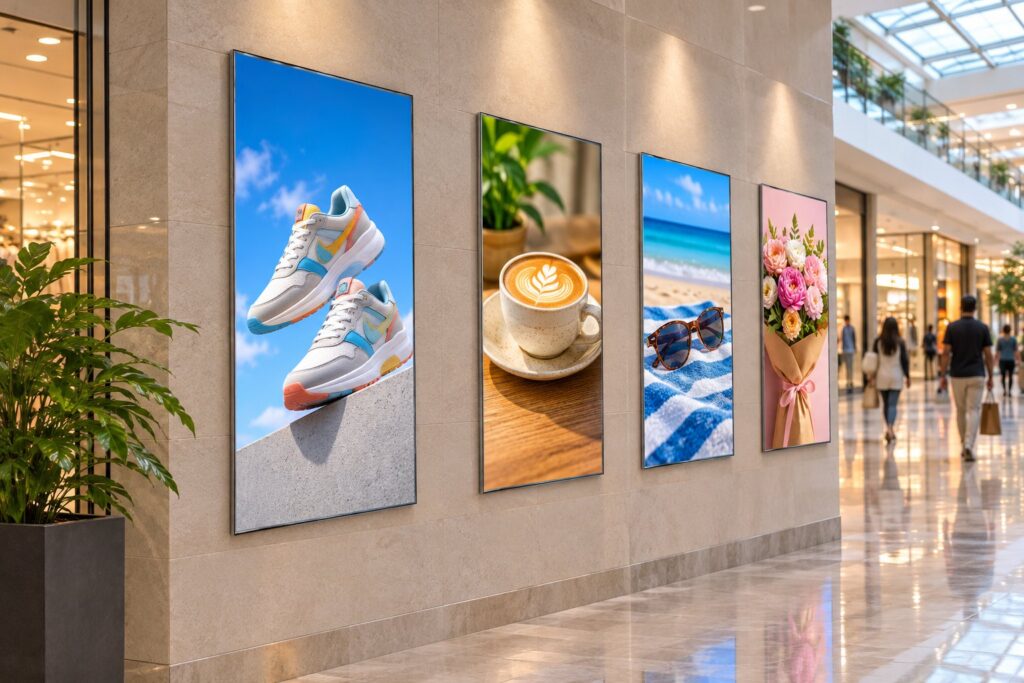
Build content
- Video, images, scrolling notices, weather, date, countdowns, web pages and live streams
- Full-screen or split-screen layouts that adapt to portrait or landscape
- Touch-interactive and dual-screen programs
Schedule it
- One-click publishing, or set start and end dates, daily hours and repeating cycles
- Timed and on-the-hour inserts
- Notices with your own font, color and scroll speed that stop automatically when they expire
Manage many screens
- Group and tag screens by location, purpose or industry; see them on a map
- Publish to a group, a region, or only portrait or landscape screens
- Play several screens in sync
- Set on/off schedules and volume for many screens at once
Keep control
- Multi-level users, each limited to their own screens and regions
- Approval before sensitive content goes live
- Publishing and download progress tracked for every screen
- Playback statistics exported to Excel
See and fix screens remotely
- Remote screenshots and live playback checks
- Remote desktop, restart and app updates
- Automatic alerts when a screen has a problem
- Time sync, even when a screen is offline
Or keep it simple
For a single screen, load photos and videos from a USB drive. The player handles MP4 (H.264) and most other common video formats, JPG, PNG, BMP and GIF images up to 4096 × 4096, common audio formats, and PDF and TXT files.
Questions, volume pricing or help choosing a size?
Digital Poster Screens is a Screen Solutions International (SSI) site. Call (888) 631-5880 or email ssisales@ssidisplays.com. Orders are placed on ssidisplays.com. Every screen has a 1-year warranty and ships from California or Florida.